
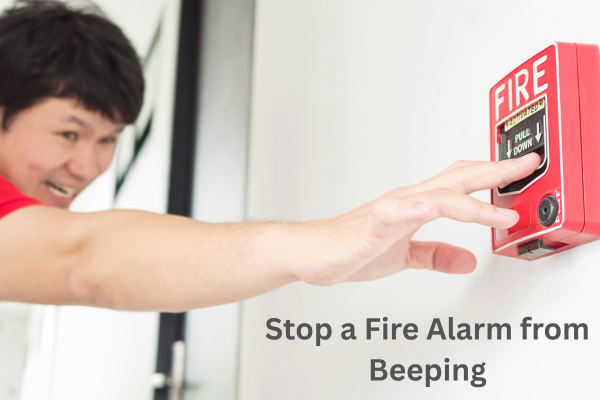
If there’s only one beeping sound, it can test anyone’s patience. It’s a fire alarm. The sudden beep-beep-beep of a fire alarm that won’t stop often occurs in the middle of the night or interrupts your day.
Table of Contents
A beeping alarm isn’t just annoying; it’s a message that something needs your attention. The good news is that most fire alarm beeping issues can be fixed quickly and easily at home, without calling a technician or using expensive tools. In this guide, you’ll learn what causes fire alarms to beep, how to stop them safely, and how to prevent them from happening again. Let’s find out how to bring stability to your home once and for all and keep your alarm functioning properly.
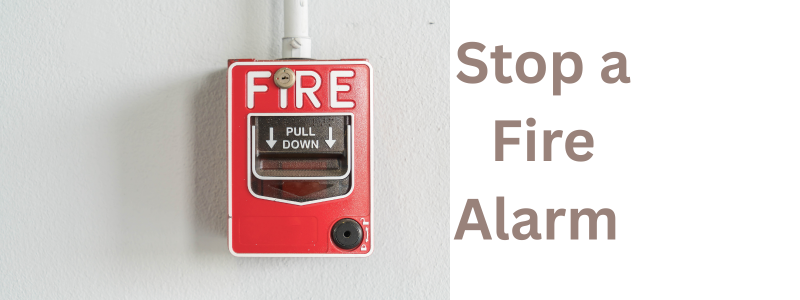
Why Fire Alarms Beep: The Real Reasons Behind the Noise.
Before trying to fix an alarm, it’s important to understand what it’s trying to signal. Fire alarms don’t beep without reason. This little siren is often a warning sign. The most common causes are:
- a – Low battery – This is the main reason why the alarm sounds every 30-60 seconds when the battery is almost dead. Hardwired alarms also have a backup battery that needs replacing.
- b – Dust and debris inside the alarm – Dust can block sensors and cause incorrect voltage signals. If your home hasn’t been cleaned in a while or the alarm is in a dusty area, this can cause issues.
- c – End-of-Life Warning: Most smoke or fire alarms last only 8-10 years. When they near the end of their lifespan, they start beeping to tell you it’s time to replace them.
- d – Power failure problems: For hardwired alarms, weak wiring, a tripped breaker, or a faulty power supply can cause sudden beeping and chirping.
- e – Changes in temperature and humidity – Extreme heat, steam from showers, and high humidity can confuse the sensor, causing the alarm to beep or go into trouble mode. Knowing the cause helps you fix it quickly and avoid stress.
Step-by-Step Fix: How to Stop the Beeping Now.
Sometimes you just want the beeping to stop until you find the exact problem. The fastest way to silence it is:
- Step 1 – Press the Silence or hush button – Most alarms have a small button in the center. Pressing it briefly will usually silence the sound for 8 to 15 minutes.
- Step 2 – Check the battery – Remove the alarm cover and take out the old battery. Replace it with a new, good-quality battery. Make sure the battery is properly placed with the correct polarity.
- Step 3 – Reset the alarm – After installing the new battery, press and hold the test button for about 15 seconds. You might hear a sharp beeping sound, which is normal. Once it resets, the faint chirping should stop.
- Step 4 – Reconnect power for hardwired models. If your alarm is ringing, try resetting it. Check the circuit breaker. Make sure the wiring in the mounting bracket is secure. Reattach the unit correctly. A quick reset and battery change will fix most problems about 80% of the time.
Clean the Alarm: Dust Is a Silent Enemy.
Even if the battery is new, dust and dirt buildup can cause false alarms or sudden beeping. To clean the alarm safely: Turn off the power. For hardwired alarms, remove the alarm from the mounting bracket. Gently clean with a soft brush and vacuum cleaner. Wipe the vents, sensor chamber, outer cover, and level with a lightly damp cloth. Then, plug the alarm back in and turn it on. Why this helps: Dust can trigger the alarm unnecessarily. Regular cleaning keeps it working smoothly and quietly.
Check the Expiration Date: Is Your Alarm Too Old?
Every fire alarm has a lifespan. If your alarm keeps beeping even after cleaning and replacing the battery, it might be too old. How to check the expiry date: Look on the back of the alarm for the manufacturing date and ‘replace by’ date. If your alarm is older than 8-10 years, it’s time for a new one. Old alarms become less sensitive and are more likely to malfunction. A beep or stopping the alarm signals that it’s no longer reliable. Replacing an expired alarm not only stops the beeping but also keeps your home safe.
FAQs.-
How to stop fire alarm beeping for no reason?
If your fire alarm is beeping for no apparent reason, it’s likely due to dust, a weak battery, or an old unit. Clear the sensor, replace the battery, and reset the alarm. If it still beeps, it may be time for a new alarm.
How to turn off fire alarm beeping every 30 seconds?
To silence a fire alarm that beeps every 30 seconds, replace the battery. Close the battery outlet properly and press the reset button. If it keeps beeping intermittently, clear any dust or dirt and check the alarm’s life. Older units, especially, often require replacement.
How do I silence a fire alarm?
To silence a fire alarm, press the hush or reset button. Replace the battery and ensure the unit is free of dust and dirt. If it still doesn’t work, completely reset it and check if the alarm is too old and needs to be replaced.
Conclusion:
A beeping fire alarm can be unsettling, but the good news is that the solution is simple and quick. Whether it’s a low battery, dust buildup, wiring issue, or the alarm has expired, most problems can be fixed fast. Regular cleaning, yearly battery changes, and periodic upgrades help keep your alarm working and your home safe. Your fire alarm is there to protect you, not disturb your sleep. The steps above can help you fix the beeping immediately and prevent it from happening again.